
1 Month
$13
$13 a month
Pay month by month
- 1 screen at once
- Xtream Codes + M3U login
- TV guide (EPG) link included
- Movies and series on demand
- 7-day refund
Sparkle TV IPTV · USA, Canada, UK and worldwide
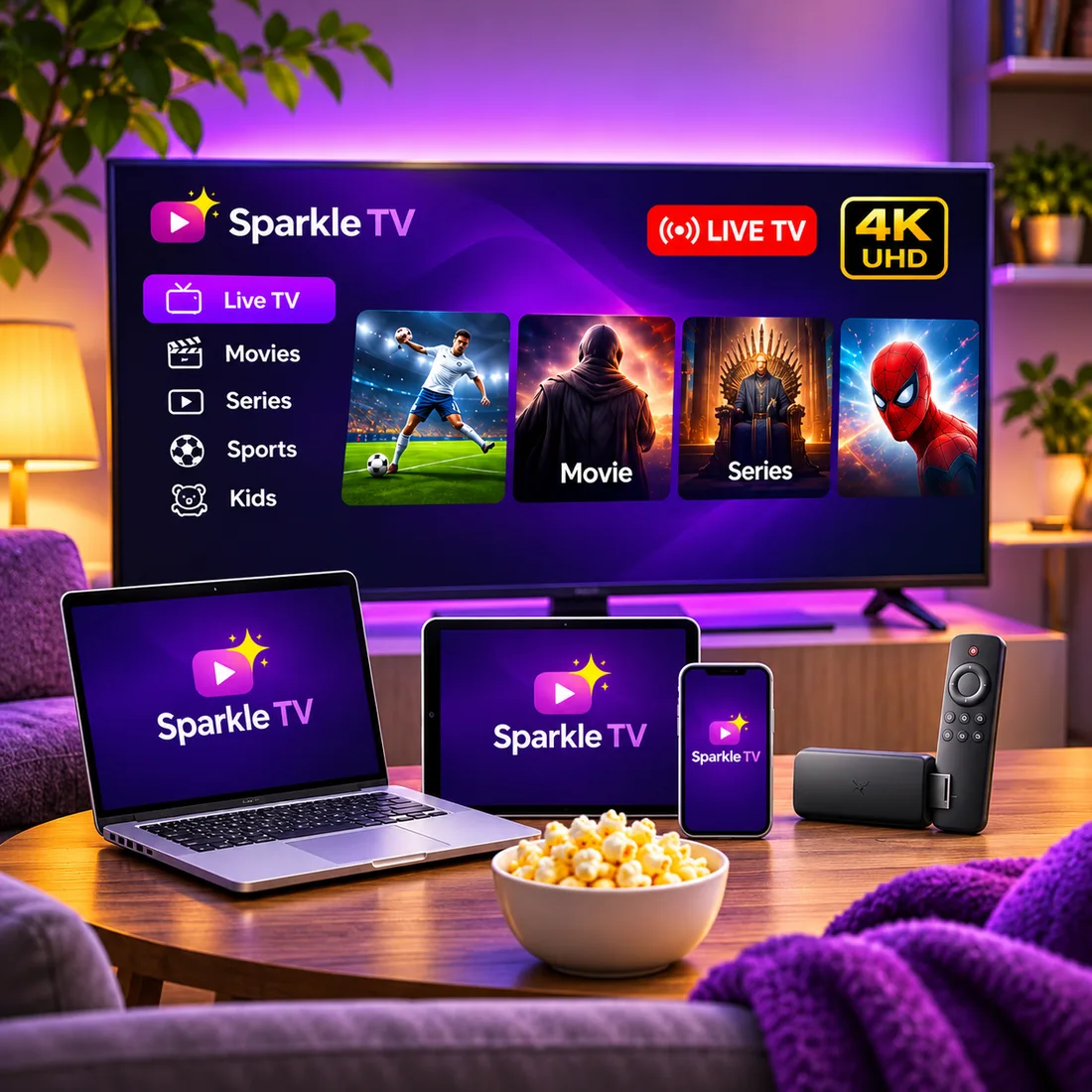
Sparkle TV is an IPTV subscription: live TV channels, movies and series over your internet connection, with a full TV guide. It works on Firestick, Android TV, Samsung and LG smart TVs, Apple TV, phones and computers. Try it free for 24 hours, then choose 1 to 12 months on 1 to 5 screens.
Plans
One price for everything: live channels, movies, series and the TV guide. Choose how many screens and how long. From $5.75 a month on 12 months.
How many screens at the same time?
$13
$13 a month
Pay month by month
$29
$9.67 a month
Save 26%
$49
$8.17 a month
Save 37%
Best value
$69
$5.75 a month
Save 56%
What you get
Channels grouped by country and category, with an XMLTV program guide that loads in your player.
An on-demand library next to live TV, in the same login.
4K, FHD and HD where the source channel offers it.
Backup streams on busy channels to keep the picture moving at peak times.
Watch on several devices at once. Install on as many as you like.
Help with setup and your account, 7 days a week.
Devices
Sparkle TV works on almost every screen in the house. Pick yours for a step-by-step guide.
Choose a length and how many screens. You get an order ID. Nothing is charged on the website.
Our team sends secure payment details on WhatsApp or by email soon, in support hours.
Once payment is confirmed, your login arrives: server URL, username and password (Xtream Codes), an M3U link and a TV guide link.
Add the login to your player app, let the TV guide load and pick a channel.
Not right for you? Ask for a refund within 7 days of activation. The refund policy lists the conditions, and your statutory rights stay the same.
Sparkle TV is an IPTV subscription service. Instead of a cable box or a satellite dish, the channels reach you over your internet connection, and you watch them in a player app on the devices you already own: a Firestick, a smart TV, a phone, a tablet or a computer.
One subscription gives you live channels sorted by country and category, a program guide that shows what is on now and next, and an on-demand library of movies and series. You sign in once per device, and you can watch on up to five screens at the same time, depending on your plan.
Sparkle TV at a glance
Every IPTV setup has three parts:
Because the login works in any compatible player, you are never locked into one app or one device. Change your TV next year and you simply sign in again.
| Device | Typical player | Guide |
|---|---|---|
| Amazon Firestick, Fire TV Cube | TiviMate, Sparkle TV Player, IPTV Smarters | Firestick |
| Android TV, Google TV, Nvidia Shield, Chromecast with Google TV | TiviMate, Sparkle TV Player | Android TV |
| Samsung smart TV | IBO Player Pro, Smart IPTV, or a streaming stick | Samsung |
| LG smart TV | IBO Player Pro, Smart IPTV, or a streaming stick | LG |
| Apple TV, iPhone, iPad | iPTVX, IPTV Smarters | Apple |
| Android phone and tablet | IPTV Smarters, XCIPTV | Your login |
| Windows and Mac | VLC, Kodi, IPTV Smarters | Your login |
Plans run for 1, 3, 6 or 12 months on 1 to 5 screens. One screen costs $13 for one month or $69 for twelve months, which works out at $5.75 a month. Every plan includes the same channels, library, guide and support; only the length and the number of screens change. You pay once per plan, in US dollars, and nothing renews automatically. See all prices.
Yes. The free trial lasts 24 hours, needs no card and has the same channels and library as a paid plan. Use it at the time you normally watch, on the device you will really use, so you know exactly what you are buying. After you subscribe, you still have 7 days to ask for a refund.
Picture quality matters, but in daily use three other things decide whether a service is good:
No. Sparkle TV is the IPTV service you are reading about. The "Sparkle TV Player" app on Google Play is a separate player made by another developer. It is one of many players that can play your Sparkle TV login, alongside TiviMate, IPTV Smarters and others. Questions about that app's own features or purchases go to its developer; questions about your subscription come to us. More on the players page.
IPTV is a delivery technology, used by many legitimate TV companies. Whether a particular service or channel is lawful to watch depends on licensing and on the law where you live, and you are responsible for following it. We do not give legal advice.
Sparkle TV is an IPTV subscription service: live TV channels, movies and series delivered over your internet connection instead of cable or satellite. You sign in to a player app on a Firestick, smart TV, phone or computer with your Xtream Codes login or M3U link, and watch with a full TV guide.
$13 for one month on one screen, or $69 for twelve months, which is $5.75 a month. More screens cost more, up to 5. Prices are charged in USD, and nothing renews automatically.
Yes: 24 hours with the same channels and library as a paid plan, and no card. Choose your device and leave your name, email, WhatsApp number and country, and we send a login.
Firestick and Fire TV, Android TV and Google TV (including Nvidia Shield and Chromecast with Google TV), Samsung and LG smart TVs, Apple TV, iPhone, iPad, Android phones and tablets, Windows and Mac. Each has its own setup guide.
Any player that accepts Xtream Codes or an M3U link. Popular choices: TiviMate or the Sparkle TV Player app on Fire TV and Google TV, IPTV Smarters or iPTVX on Apple devices, IBO Player Pro on Samsung and LG, and VLC on computers.
Sparkle TV (sparkletv.net) is an IPTV subscription service. The "Sparkle TV Player" app on Google Play is a separate player made by another developer; it is one of many apps that can play our service.
Place an order on the website, where nothing is charged. Our team then sends secure payment details on WhatsApp or by email, in support hours. Quote your order ID, and pay only with details that come from a contact listed on this site.
You can ask within 7 days of activation. Send your order ID and what went wrong; we first try to fix it, because most faults are a setting or Wi-Fi. Refunds go back by the method you paid with.
More answers in the full FAQ.
A 24-hour free trial, no card. Check the channels you care about and the TV guide in your own player, then choose a plan from $5.75 a month.
Talk to a person
7 days a week, 9:00 to 23:00 UK time (4:00 to 18:00 US Eastern)
